
 +974 3012 2865


PLM vs. ERP: What’s the Difference?
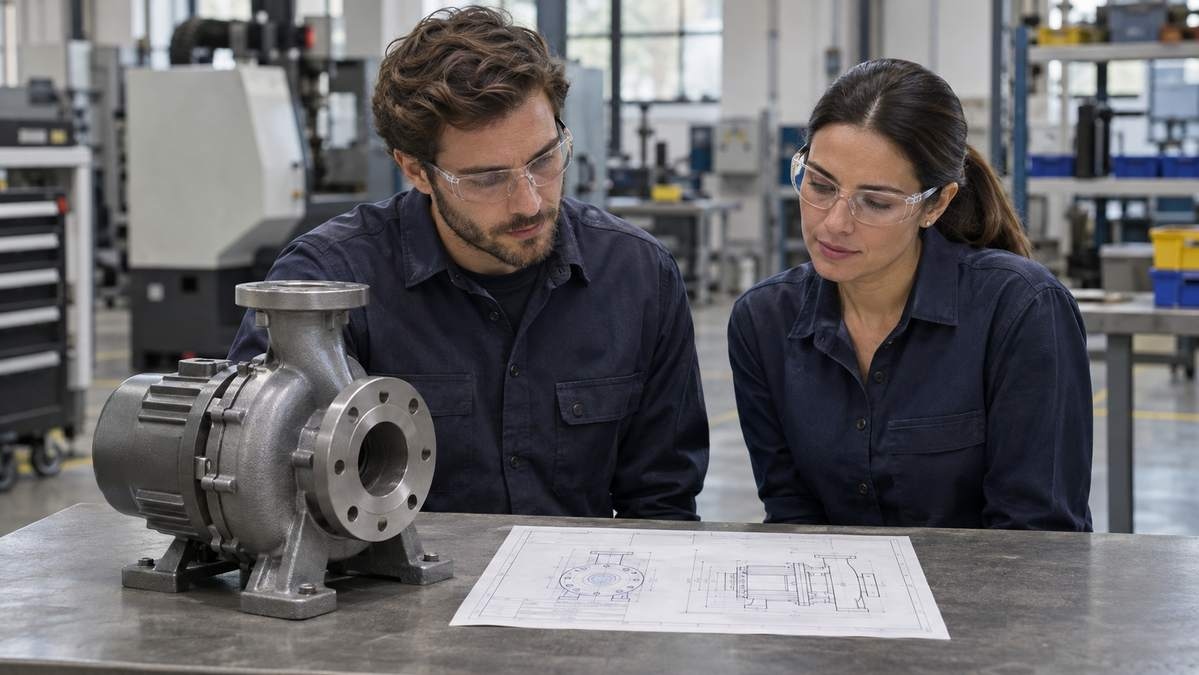
Engineering has approved a new seal for an industrial pump. The planner now has to decide which orders should use it. That decision depends on when the revision takes effect and whether the new seal will arrive before the next run. The approval starts the process. The production plan puts it into practice.
That’s the difference between PLM and ERP. Product lifecycle management (PLM) records what engineering approved and why. Enterprise resource planning (ERP) uses the approved product data to work out what to buy, what to build, and when.
PLM vs ERP at a Glance
Both systems can show a part number or a bill of materials (BOM). In PLM, that part number leads to the drawing and approval history. In ERP, it leads to stock and orders. Start with the decision you need to make, then follow the part into the system that supports it.
|
What You’re Comparing |
PLM |
ERP |
|
Main job |
Define and revise the product |
Plan and record business operations |
|
Typical users |
Product, engineering, and quality teams |
Planning, purchasing, warehouse, and finance teams |
|
Common records |
Drawings, specifications, engineering BOMs, and change approvals |
Purchase orders, stock balances, production orders, and costs |
|
Question it answers |
Which revision is approved, and why did it change? |
What should we buy or build, and when? |
What Does PLM Manage?
PLM manages the product definition and the decisions that shape it. That includes the engineering BOM, drawings and specifications, revision history, test results, and the approval record that shows which version is released and why.
Take the pump seal. The engineering BOM tells the engineer which pump models use that seal. When the drawing changes, the proposed revision goes to review alongside the test results. The approval produces a release record: which design is approved, who approved it, and what changed. Earlier revisions stay available, so a service technician can still look up the seal for an older pump.
Related article: What Is Product Lifecycle Management Software?
What Does ERP Manage?
ERP manages the operational records that turn an approved product into a plan and a cost. That includes stock balances, purchase orders, production orders, inventory movements, and the material and labor costs behind a run.
Take the pump seal again. The approved production BOM tells planners how many seals each batch needs. ERP compares that requirement with stock and expected receipts. If one plant already has enough seals, its buyer can plan around that stock. A second plant using the same design may need to order sooner because its stock balance or supplier lead time is different. Once the seals arrive, the warehouse records the receipt and issues them to production. Those movements update inventory and give finance the material costs for the run, which finance can then review alongside labor.
How PLM and ERP Work Together
A design release becomes useful to the factory when planners know which build it applies to. Follow the pump seal through three decisions.
- Release the revision. Engineering approves the seal in PLM. The handoff gives ERP the part number, quantity, revision, and when to use it. That can be a date or a production lot, with a separate schedule for each plant.
- Prepare the production BOM. The engineering BOM describes the design. The manufacturing BOM reflects how a plant builds and packs it, so it might include a carton or an assembly kit. Assign an owner for that version and show planners where to find the released copy.
- Review open orders. Once the new BOM is ready, the planner checks which pump batches should use it. The buyer then checks stock and open purchase orders. If the new seal needs more lead time, that date helps the team decide when to switch.
When plants share product data but plan locally, that handoff gives each site a clear starting point. In our published Aotecar customer story, the compressor manufacturer connected PLM with warehouse, production, and order-exchange systems on Kingdee Cloud, coordinating R&D, production, and supply chain work across six plants. The result is drawn from the customer’s published case and reflects their specific implementation; actual results vary by business.
Should You Start With PLM or ERP?
Start with the decision your team makes most often. That gives you a specific task to take into each demo.
- Choose PLM first if engineers often change parts used across several models. Ask an engineer to update a shared part, show the affected models, and open the prior revision a service technician would need.
- Choose ERP first if design releases are already in place and your priority is coordinating stock, purchasing, and production. Use a sales order to see how it creates component demand and how incoming stock changes the plan.
- Evaluate both together if engineers release changes often and planners use those changes to set dates. Decide who owns the part number, design revision, and lead time. Those decisions tell you which records a connector or shared platform needs to carry.
How to Test PLM and ERP Integration
Bring one product, one approved change, and one open production order. After the engineer releases the revision, check which plant receives it and when it becomes available for planning. Have the planner open the order and show which version it will use. The buyer can then show which parts that order calls for.
Include a part with different design and purchasing units. For example, a BOM can list tubing in meters while the supplier sells it by the roll. Follow the conversion into the purchase order so you can see what the buyer will actually order.
Time the handoff from release to planning, then count the fields someone enters by hand. Repeat both checks in your current process so you have a baseline for the proposed setup.
Before you price the rollout, ask who will check that each plant received the release. Have that person open the BOM in ERP and trace it back to the approval. Use the same check after the pilot goes live.
If you want to see how that handoff works in practice, you can review our manufacturing solutions and book a demo to walk through it with your own product.
FAQ
Can ERP Replace PLM?
ERP can cover basic item and BOM management for a team with stable product designs. A dedicated PLM system fits when you need to manage drawings, engineering reviews, and revision histories together.
Which System Owns the BOM?
PLM typically owns the engineering BOM. The manufacturing BOM can be maintained in PLM or ERP, depending on who prepares it and where it’s approved for production.
Can PLM Work With Your Existing ERP?
Yes, when the systems can exchange approved items, BOMs, and revisions in a format both can use. Ask to see a real product update go through your ERP version, including how the team confirms the update arrived.
Can Small Manufacturers Use ERP First?
Yes. If you build stable products and mainly need to coordinate stock, purchasing, and production orders, ERP is a sensible starting point. As product variants and revision approvals grow, you can assess whether to add PLM.
This content is for informational purposes only and does not constitute legal, tax, or accounting advice. Product capabilities, availability, configuration, and applicable regulatory and compliance requirements may vary by edition, market, and implementation. Finance, tax, audit, and legal teams should validate obligations with qualified professionals and local authorities.